Choosing the right production tools directly impacts delivery speed, design quality, and client satisfaction. As production demands increase across complex automated email flows and promotional campaigns, email marketing agencies often face a central strategic question: Should you design emails in Figma first or build them directly in email builders like Klaviyo and other ESPs?
While Figma offers unmatched creative freedom, dedicated email builders promise rapid deployment inside platforms like Klaviyo or Mailchimp. Understanding the strengths, trade-offs, and operational realities of each tool is key to establishing an efficient, high-performing email design workflow for agencies.
What Makes Email Design Different From Regular Web Design?
Email design is governed by unique technical constraints that differ significantly from modern web development:
Legacy Rendering Engines: Desktop email clients like Microsoft Outlook still rely on Microsoft Word rendering engines, requiring simplified code and HTML table-based layouts.
Strict Inbox Display Standards: Unlike web browsers, email clients handle fonts, CSS styling, media queries, and padding differently across web, desktop, and mobile views.
Dynamic Content Integration: Email layouts must accommodate live product feeds, custom personalizations, merge tags, and conditional display rules without breaking visual alignment.
Asset Optimization Requirements: Email image sizes must be kept lightweight to prevent clipping in inbox clients like Gmail while maintaining crisp rendering on retina displays.
Understanding these technical limitations ensures your creative design team builds visually compelling emails that render reliably across all recipient devices.
Designing Emails in Figma: Pros and Cons
Figma has become an industry-standard interface design tool, offering powerful features for visual design systems and team collaboration.
Pros of Using Figma:
Unlimited Creative Control: Designers can create pixel-perfect custom layouts, unique typography hierarchies, and tailor-made visual branding assets without builder constraints.
Reusable Component Libraries: Building a unified email design system with master components, auto-layouts, and design tokens speeds up template production.
Seamless Client Feedback: Features like live commenting, shared prototypes, and version history streamline client review rounds and internal sign-offs.
Cons of Using Figma:
The Handoff Friction: Designs must still be translated into responsive HTML/CSS code or manually rebuilt inside an Email Service Provider (ESP).
Potential Disconnect From Rendering Reality: Designers may build complex visual layouts in Figma that prove difficult or impossible to recreate natively inside basic email builders.
Are Email Builders Better for Email Production?
Native drag-and-drop email builders, whether built directly into ESPs like Klaviyo or stand-alone tools like Beefree and Stripo, focus specifically on fast execution.
Pros of Email Builders:
Built-In Mobile Responsiveness: Drag-and-drop platforms generate clean, pre-tested HTML code optimized for major inbox clients automatically.
Direct ESP Integration: Building directly inside or exporting seamlessly to platforms like Klaviyo reduces developer handoff time and manual file management.
Faster Production for Standard Layouts: Non-designers or account managers can quickly swap text, update images, and deploy basic campaigns without waiting for design teams.
Cons of Email Builders:
Restricted Creative Scope: Design customization is constrained by the builder's structural framework, default grid options, and font support.
Generic Visual Output: Relying exclusively on standard drag-and-drop blocks can result in repetitive layouts that lack brand differentiation.
Figma vs. Email Builders: Which Workflow Is Right for Your Agency?
Selecting the optimal setup depends on your agency’s client focus, brand positioning, and production setup. As email design workflows evolve, agencies also need to evaluate which new technologies and production approaches are actually worth adopting:
Figma-First Workflow: Best for agencies handling premium e-commerce brands, high-ticket accounts, or bespoke lifecycle flows where unique visual branding and custom graphics are primary differentiators.
Email Builder-First Workflow: Best for agencies managing high-volume, template-driven campaign production, rapid turnarounds, or clients with standard visual branding requirements.
The Hybrid Workflow: Many leading agencies use Figma for master template design, campaign wireframing, and custom graphic creation, then assemble modular templates in email builders for fast deployment.
Evaluating your team's existing skill sets against client expectations helps determine which model delivers the highest efficiency and quality.
The Real Bottleneck: The Handoff Between Design and Production
The primary delay in email production workflow performance rarely stems from the tool itself; it occurs during the transition from visual design to technical setup.
Common handoff challenges include:
Disconnected Asset Exporting: Designers manually exporting images at incorrect scales or formats, forcing developers to request asset re-exports.
Unclear Mobile Instructions: Failing to specify how desktop layouts stack, hide, or resize on mobile viewports prior to technical setup.
Late Copy and Content Changes: Making text updates directly inside the ESP during setup rather than finalizing copy during the wireframing phase.
Eliminating these friction points through clear handoff documentation and asset management keeps production timelines on schedule.
What Should Agencies Look For in an Email Design Workflow?
A scalable, reliable email creation process should prioritize structure, predictability, and asset reusability:
Modular Design Frameworks: Create flexible component systems featuring pre-designed header blocks, hero units, product grids, social proof sections, and footers.
Centralized Asset Management: Maintain organized design files, font libraries, and brand kits in accessible locations prior to project kickoffs.
Standardized Review Protocols: Restrict client review loops to structured feedback stages using centralized tools to prevent scattered communication across email threads.
Pre-Flight QA Checks: Implement standardized testing procedures for mobile responsiveness, inbox rendering across major clients, dynamic tags, and broken links before deployment.
The Best Email Design Workflow Isn’t About One Tool
High-performing agencies recognize that tools are enablers rather than complete solutions. The most effective best email design workflow for agencies bridges creative design and technical production into a unified line:
Phase 1 - Strategy & Wireframing: Map sequence logic, map out content hierarchies, and finalize approved copy.
Phase 2 - Creative Visual Styling: Design master brand assets, custom banners, and high-fidelity layouts inside Figma.
Phase 3 - Production & Assembly: Convert visual concepts into responsive HTML templates or modular blocks inside email builders.
Phase 4 - Quality Assurance & Launch: Test email client rendering, review link tracking, and connect production templates to live automated triggers.
Focusing on process integration over tool single-mindedness delivers consistent campaign execution as client accounts expand.
But an efficient workflow is only part of the equation; the final design still needs to make it easy for subscribers to understand the message and take action.
When Should Agencies Add External Email Design Capacity?
As email production volume increases, internal agency teams can run into capacity limits. Delegating specialized production tasks offers a clear path to maintain operational speed without increasing fixed headcount.
Agencies should consider adding dedicated design capacity when:
Design Backlogs Impact Launch Dates: Internal designers become bottlenecks for account managers waiting to deploy campaign flows.
Inconsistent Visual Standards Emerge: Rushed design timelines lead to compromises in graphic quality or mobile rendering accuracy.
Team Fatigue Increases: In-house talent spends excessive billable hours executing repetitive production tasks rather than focusing on strategic growth initiatives.
Partnering with white-label design specialists or dedicated production teams provides on-demand scalability, maintaining quick turnarounds and protected agency margins.
Design Faster: Move From Figma to Klaviyo in Seconds
The right workflow can make a significant difference when your agency is managing multiple email projects at once. At Marz, we combine fast, high-quality email design with a production workflow built to reduce the friction between design and deployment.
Our team can deliver email designs quickly, while Carvr helps eliminate one of the most time-consuming parts of the process: rebuilding Figma designs inside Klaviyo.
With Carvr’s Figma plugin, agencies can move an email artboard from Figma into Klaviyo in under 30 seconds, instead of manually rebuilding the design block by block.
That means less time spent on repetitive production work and more time for your team to focus on strategy, clients, and growing your agency.
Want to see how a faster design-to-Klaviyo workflow could fit into your agency? Book a demo with Marz and see how we can help you design and deploy emails faster.
Liked it? Share it with your people.


Us Vs Them
Launch your creative to new realms — fast, reliable, and scalable
Large agencies spread thin often lack the focus and flexibility to bring your visions to life.
Cover some needs well, but struggle with skill gaps and aren’t easily scalable.
Finding the right freelancer can be awesome, until they reach capacity or you suddenly get ghosted.
More Blogs
Marz Media is a specialized design partner for agencies that need consistent output without capacity issues.
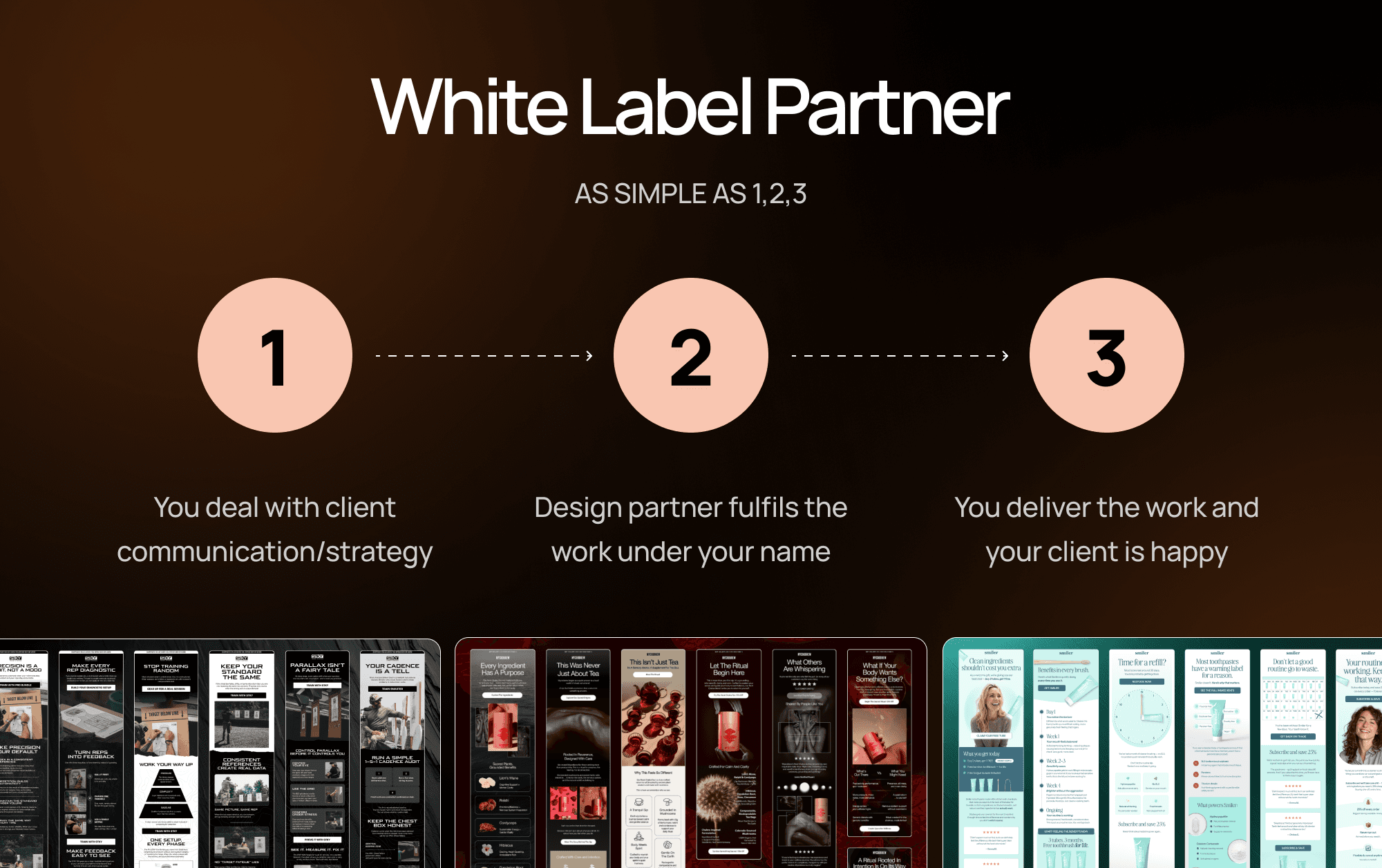
Mar 3, 2026
White Label Email Design: The Complete Guide for Ecom Agencies
Everything ecom email marketing agencies need to know about white label email design — what it is, how it works, and how to find the right partner.
READ MORE
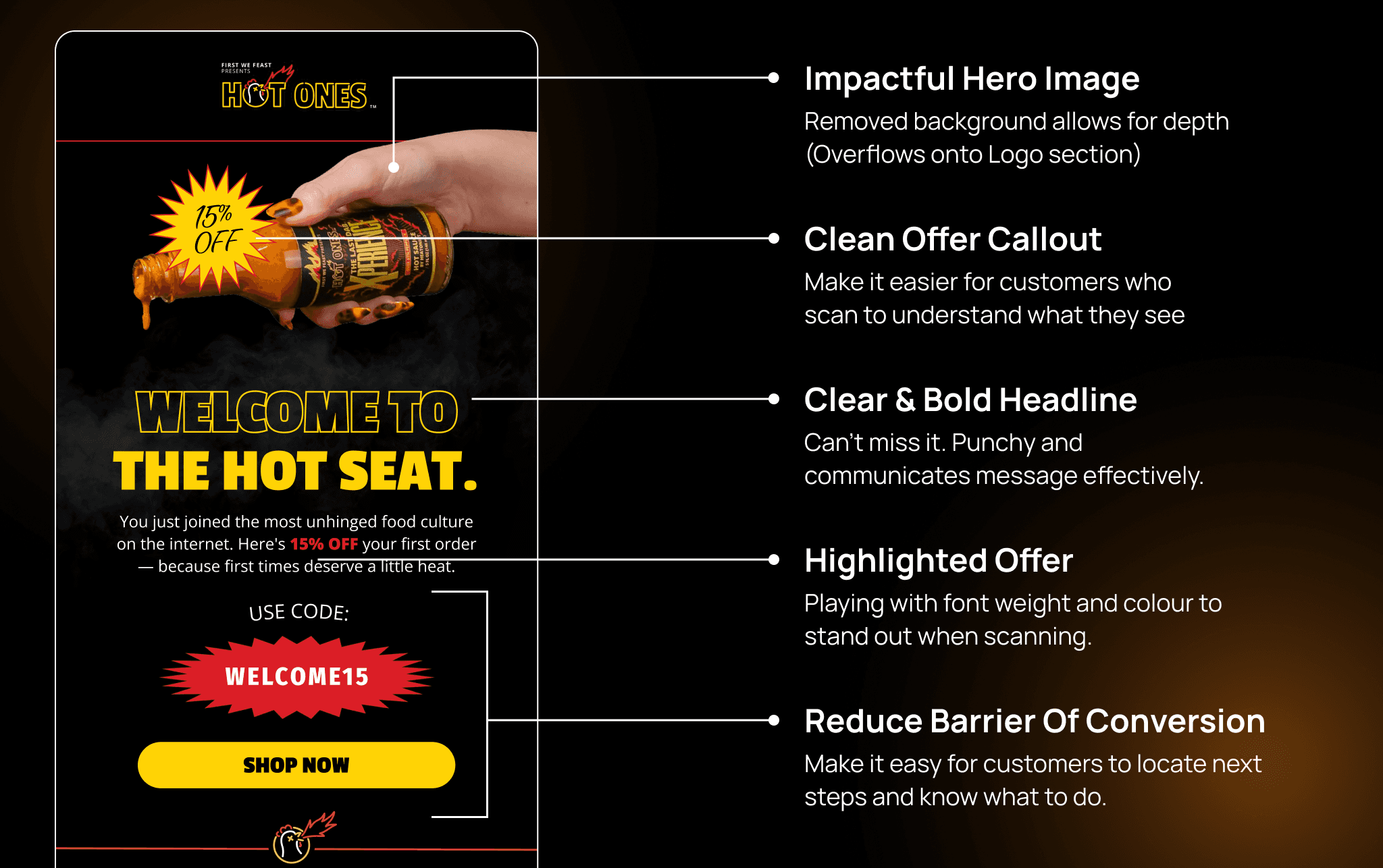
Mar 13, 2026
What Makes a High-Converting Ecom Email Design? And How to Brief One
A practical guide to high-converting ecom email design — covering layout, hierarchy, CTAs, mobile optimisation, and how to write a brief that gets results.
READ MORE
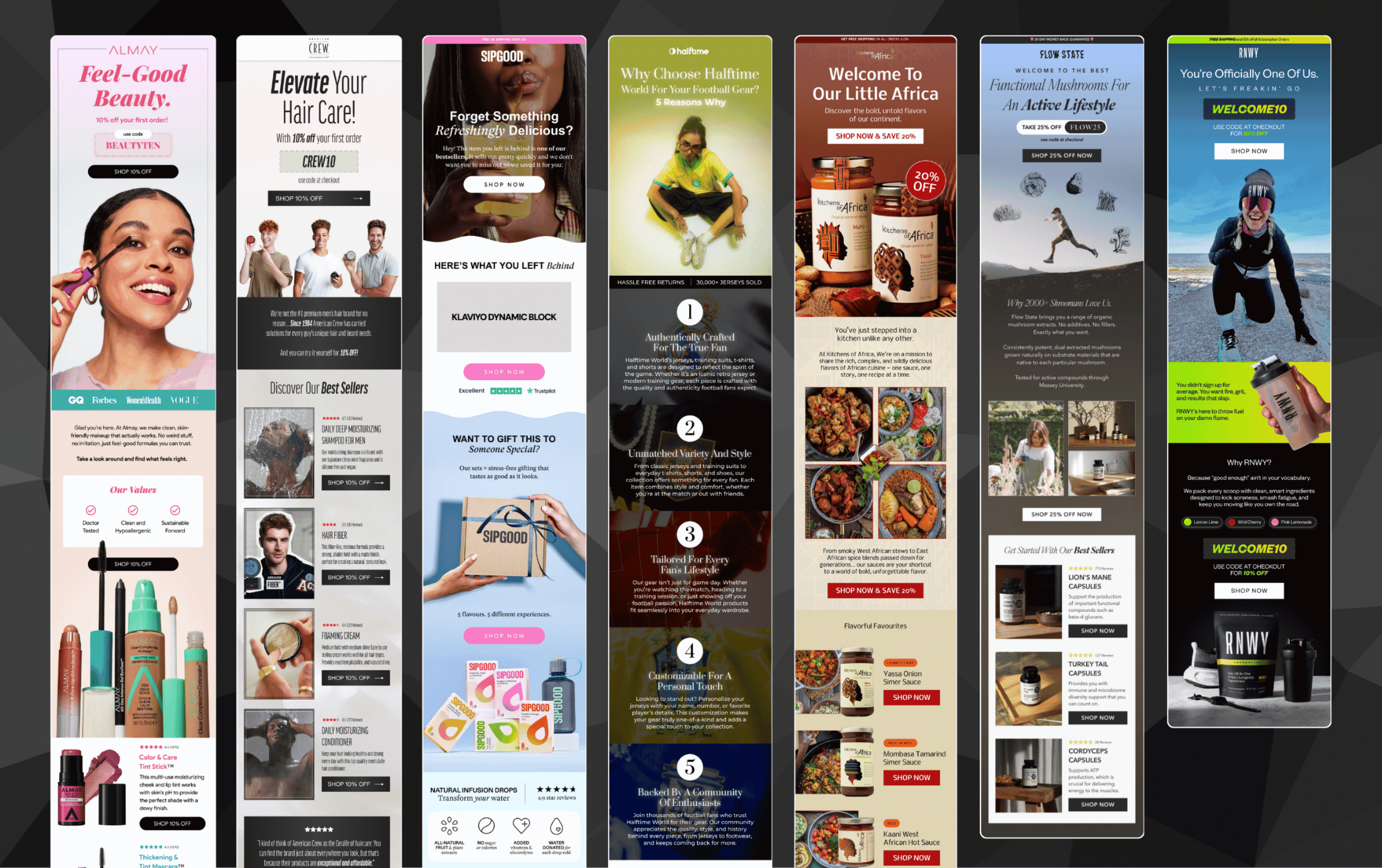
Mar 14, 2026
The Hidden Cost of Unreliable Designers for Your Email Marketing Agency
Missed deadlines and inconsistent quality cost more than you think. Here's the real price your email agency pays for unreliable design.
READ MORE